It will be the only large-span bridge in the capital, and the first to link it with the Western Region. It was officially inaugurated by President Santiago Peña on March 3, 2024.OverviewThe Héroes del Chaco Bridge (: Puente Héroes del Chaco) is a cable-stayed in that connects the city of and. It crosses the in order to link the Paragu. Its name is a tribute to the combatants of the and was selected through a citizen participation process. The symbolic act of laying the foundation stone took place on 12 June 2020, a date that commemor. In December 2019, construction for the Héroes del Chaco Bridge was awarded to the Unión Consortium, made up of the companies CDD Construcciones S.A. and Constructora Heisecke S.A. The groundbrea.
[PDF]
In today's step-by-step guide, we will demonstrate how to select the right size panelboard (whether it's a load center, distribution board, or circuit breaker panel) according to NEC and IEC standards, wit.
[PDF]
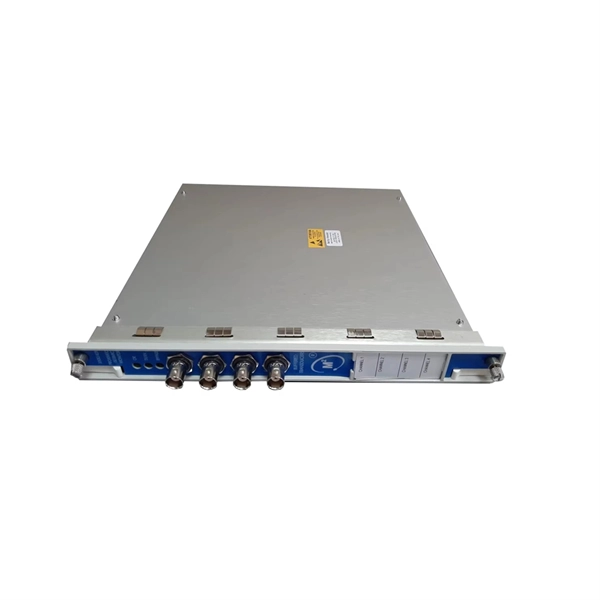
Our Spectrophotometer is known for its user-friendly interface, simple installation, rich design, and durable and dependable working. We provide a full range at competitive rates in the Papua New Guinea while adhering to stringent industry standards. Self ship it at cheapest rate! We're available 24/7 to help you! 5. 6-inch Touch ScreenThe 5. 6-inch color touch screen enable simple and effective human-computer interaction as well as clearly displaying test data. Unique FunctionsThe spectrophotometer is designed with outstanding and distinct. Market Forecast By Type (Optical spectrometer, Mass Spectrometer), By Applications (Chemical Industry, Environmental Factors Testing, Pharmaceuticals, Food & Beverages Biotechnology, Others) And Competitive Landscape Do you also provide customisation in the market study? Yes, we provide. Aditya Systems has established its reputation in the domain and run under the brand name of LADA. We are recognized among the best manufacturers of Spectrometer in Papua New Guinea and become a trusted platform to buy standardized solutions that give clients value for money. Our commitment to quality and innovation sets us apart.
[PDF]
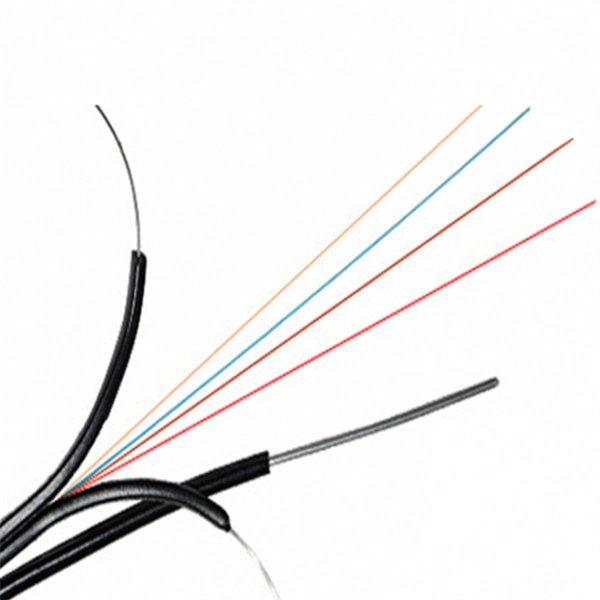
This video makes connecting your fiber optic cable to your router a breeze! We'll guide you through the entire process step-by-step, ensuring a smooth and hassle-free experience. Our Experts are helping user's, who are facing issues with their tech gadgets like. In this guide, we'll walk you through how to connect a fiber optic cable to a router safely and efficiently. Why Use Fiber Optic Internet? Before diving into the setup, let's quickly recap why fiber optics are worth the effort: Lightning-fast speeds (up to 1 Gbps or higher). This comprehensive guide combines industry standards with field-tested practices to ensure you achieve a rock-solid. Setting up a fiber internet connection requires understanding key hardware components and following a specific connection sequence to establish your home network. This guide details the necessary physical and digital steps to connect your fiber line and activate your internet service. If you. Connecting a fiber optic cable to a router might seem daunting at first, but with the right tools and a bit of patience, it's a straightforward process. Here's a step-by-step guide to help you through it. Check compatibility: Before you begin, make sure your router supports fiber optic connection. Not all routers can connect directly to a fiber cable, so it is important to verify this information before continuing.
[PDF]
On the US market, a 5. 26 mm 2 (10 AWG) ground wire must be used, and in all other markets a 6 mm 2 must be used. Grounding of the units: Attach a ground wire from one of the threaded studs (A) at the bottom of the housing, to the mounting plate (B). Attach a second grounding wire from the mounting. The correct connection method of Distribution box grounding wire mainly includes the following steps: 1. Find the grounding bar or PE bar Open the distribution box and find the position marked with the grounding plate or PE letter. The basic rule achieves this through an equipment grounding jumper; four exceptions. An equipment grounding conductor passing through the box without a splice is not required to be joined inside the box to others that are spliced in the box. 148 addresses the continuity of equipment grounding conductors and their attachment in boxes. Not all boxes are metal or provide. Correct grounding of services depends upon understanding the definition and role of the grounded conductor. The neutral conductor is typically the grounded conductor connected to the system's neutral point, carrying current under normal operation. Whether you're a seasoned pro or just starting out, this comprehensive guide will give you practical.
[PDF]
Fiber Connection: Locate the optical port on your router and carefully insert the fiber cable's connector, ensuring a snug fit. Click it into place if it has a locking mechanism. Power Up: Connect the power cords to your router and any additional devices (ONT, media converter) and. Proper connection of fiber optic cables is essential to harness these benefits fully, as even minor errors can lead to significant performance issues like signal loss. This article will guide you through the necessary tools, materials, and methods on how to connect fiber optic cables effectively. Fiber optic internet delivers blazing-fast speeds and reliable connectivity, making it a top choice for modern homes and businesses. However, setting up a fiber optic connection to your router can seem daunting if you're unfamiliar with the process. Before you start, gather the right tools. You don't want to dig around mid-job for something small but essential. Each tool helps you protect the fiber. The process to connect fiber optic cable to router requires careful attention to detail, but I'll walk you through every critical step with the precision and clarity you deserve. The fiber. The process involves a combination of national infrastructure, local engineering, and property-level setup. In this guide, we'll break down the fiber installation process from start to finish and explain key components such as fiber cabinets, flower pods, ducting, and ONT setup. What Is Fiber Optic.
[PDF]
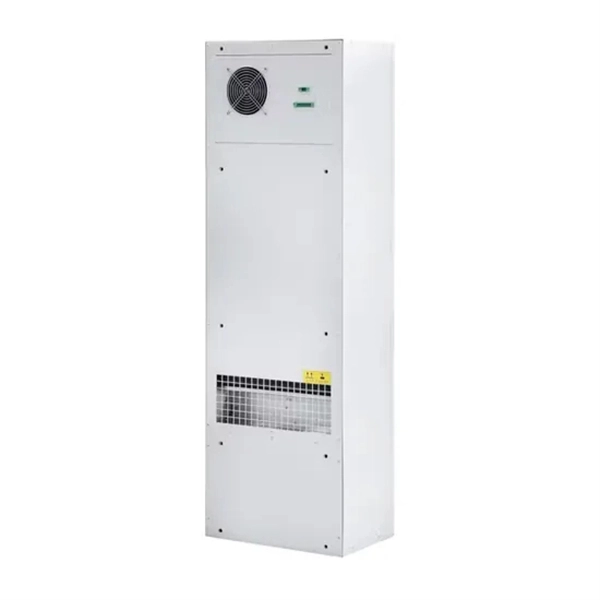
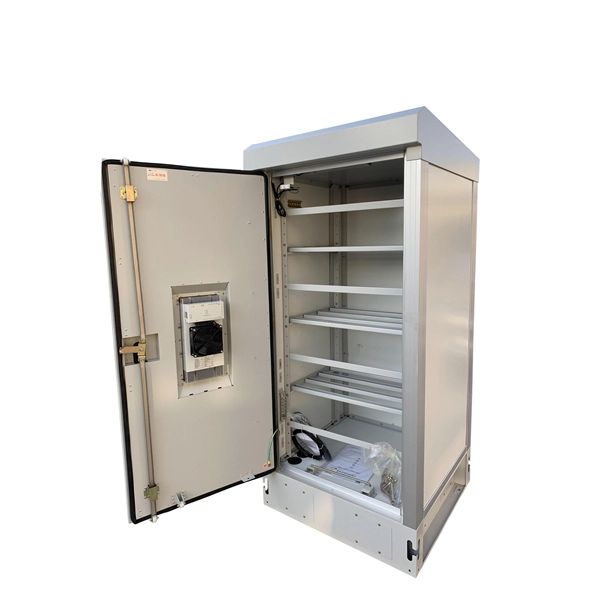
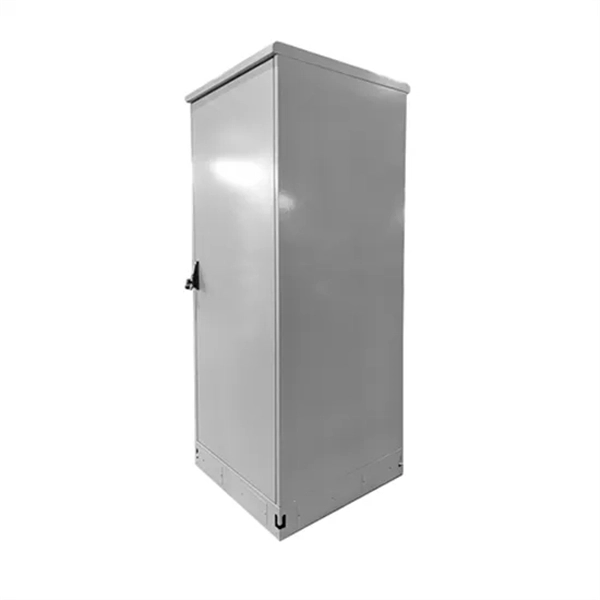
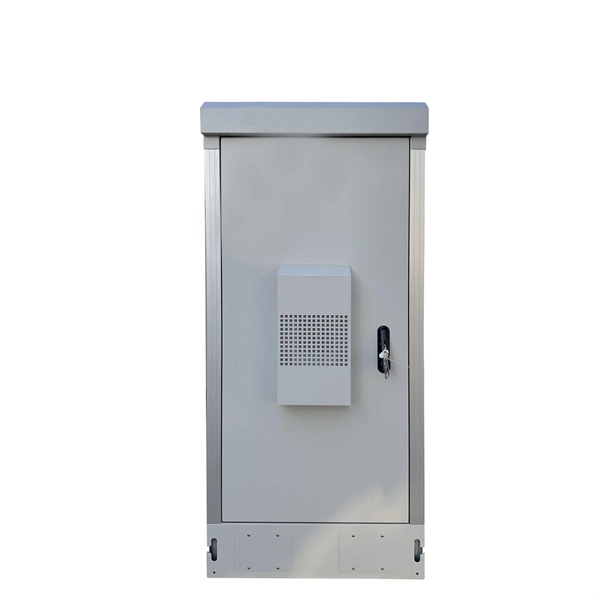
80 after $25 OFF your total qualifying purchase upon opening a new card. Return this item within 90 days of purchase. AI-generated from the text of manufacturer documentation. To verify or get additional information, please contact The Home Depot customer service. The 21-InchStructured Media. At Iceberg, we specialize in providing telecommunication cabinets and server rack cabinets designed to house your essential equipment securely. Our solutions are tailored to meet the demands of modern connectivity, ensuring your operations run smoothly and efficiently. Designed for maximum airflow and easy installation, our cabinets help your sensitive electronics equipment run reliably for their full-service life. com, one of the world's largest marketplaces to connect B2B sellers and buyers. Choose the right server rack from our options. For professional settings, communication integrated cabinet options need to be spacious. Server racks and network cabinets house equipment that provides service for voice and data communication networks. They allow users to secure their data and communication connections. The product will be reserved for you when. Outdoor integrated cabinet is well suited for power equipment, batteries, telecom gear, all integrated into a robust, economical package. The cabinet contains internal mounting rails, which allow installation of standard 19" equipment. Includes: locking door with air.
[PDF]
This video provides a step-by-step guide on how to efficiently install optical splitter into a fiber terminal box, demonstrating a professional and reliable deployment for optical distribution network solution ( https://www. com/c/optical-distribu. We'll also share tips to minimize signal loss and ensure optimal performance. What Is a Splitter and Why Cascade Them? A splitter divides a single input signal into. When employing the first-level splitting method in a residential network, optical splitters offer flexibility for indoor or outdoor installation. Indoor options encompass locations like the community's central computer room, building's weak current well, or floor wiring box. Optical cables can be. If you have fiber optic cable inside your home, it is possible to install a cable into the home input then split the signal so you can connect the signal to two different television hookups. Insert one end of the fiber optic cable into the "In" port accessible through your wall. The splitter box contains a splitter, which is a passive optical device that divides the incoming light signal. How to install and use fiber optic cable splitter? In fact, the installation of the fiber optic cable splitter is very simple, because it is already a cable terminal product, mainly to see whether it is with a fiber connectors or not, and the packaging type. For example, plc splitter without.
[PDF]
This document describes how to use and program the Photonic Application Suite, Insertion Loss Engine. Insertion loss is measured by comparing signal power (or sound level) before and after it passes through a component or system, then expressing the difference in decibels (dB). The core process is the same across fiber optics, RF electronics, and acoustics: establish a baseline reference without. This tutorial aims to help RF engineers understand how to test and measure various RF specifications of RF power amplifiers, RF LNAs (Low-Noise Amplifiers), and RF transceivers using RF test and measurement equipment like spectrum analyzers, signal generators, and sweep oscillators. Gain is the. Coaxial cables are essential components in transmitting radio frequency (RF) signals, but they inherently attenuate these signals, a phenomenon known as cable loss or insertion loss. Yes, I would like to receive educational or promotional emails from Keysight. By clicking the button, you. Insertion loss is a critical parameter in RF engineering that refers to the loss of signal power that occurs when a component or device is inserted into a transmission line or circuit. The insertion loss measurement quantifies the effect of the resistance the cabling link offers to the transmission of the electrical signals. Insertion loss characteristics of a.
[PDF]
Discover high-speed Ethernet splitters, RJ45 adapters, and cable splitters. Get Cat6, Cat8, and HDMI over Ethernet solutions with up to 1000Mbps speeds. Check each product page for other buying options. Need help? Explore network hubs and switches from trusted brands. Plug-and-play solutions for connecting multiple devices simultaneously. Boost your internet connectivity with the Gigabit Ethernet Splitter 1 to 2. This high-speed splitter supports blazing-fast 1000 Mbps, ensuring seamless performance for both work and play. With 1-input and 2-outputs, it allows 2-devices to network simultaneously, perfect for homes or offices. Uses item details. Price when purchased online. com today for Every Day Low Prices and enjoy convenient shopping options. It helps you share a single cable signal with multiple devices. This splitter works with many things, like your TV, internet modem, and satellite receiver. Save this search Request a server item Any questions? Our AI beta will help you find out quickly. Limited time offer, ends 05/04 Limited time offer, ends 05/04 Limited time offer, ends 05/04 Limited time offer, ends 05/04 Limited time offer, ends 05/04 Did You Find It? Search Newegg.
[PDF]
The hydraulic wrench head and power pack are connected by a 10,000 psi (68,900 kPa) single-line hose assembly. Each end of the hose will have one female connector. When you install a distribution box, you need a variety of tools to get the job done safely and efficiently. A measuring tape and. Never connect or disconnect any hydraulic hoses or fittings without first unloading the wrench and the pump. Open all hydraulic controls several times to make sure the system has been completely depressurized. If the system includes a gauge, double check the gauge to make sure pressure has been. et that came with your hydraulic t lly inspect all components for shipping damage. If ximum Working Pressure is 10,000 PSI (700 bar). We use baier high pressure hoses to connect the torque wrench and hydraulic pump. Some illustrations in this manual may show details or attachments different from your hoist. Some components have been removed for illustrative purposes. Drawings. Overview The Enerpac S-Series hydraulic torque wrench is designed for controlled tightening and loosening of fasteners in industrial bolting applications. The wrench features a removable square drive shaft that is designed to accept a wide variety of interchangeable hex sockets of different sizes.
[PDF]
In this guide, we will walk you through the process of setting up a network switch, from selecting the right equipment to connecting and testing the network. Ethernet switches, also called network switches, connect multiple devices via Ethernet cables. In contrast, a router connects your local area network (LAN) to the internet's. A practical, current guide to planning, pulling and terminating Cat6/Cat6A cable — tools, techniques, testing and labeling for reliable results. By Thomas McCormack • Updated Mar 17, 2026 • 12 min read • Lead Technician and Engineer, Data Wire Solutions Disclosure: Some links may be affiliate. With an Ethernet cable, you can hardwire your devices to your network, providing fast and efficient. Your ethernet switch doesn't come with any ethernet cables, so you want to have some on hand when setting up your switch. You'll need one cable to connect your ethernet switch and router together (assuming you want to provide your devices with an ethernet connection to the internet), and an. A network switch is a crucial component in any modern network, enabling seamless communication between devices. By the end of this tutorial. Connecting a network switch involves physically connecting devices using Ethernet cables and configuring them as needed, ultimately expanding your network connectivity and improving network performance. Connecting a network switch is a foundational skill for anyone managing a home or small business.
[PDF]
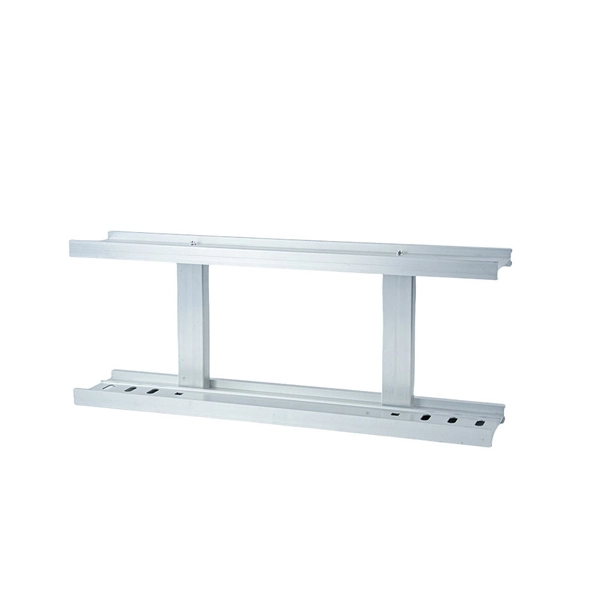
A neat, well-organized subpanel bundles wires to conserve space and improve access. Ideally, wire groups are installed in layers and wires are bent at right angles to buses or breakers. Label short sheathing sections (slugs) to indicate which circuits wires serve. Choose the right box based on environment (indoor/outdoor), load capacity, and durability. Check for proper IP/NEMA ratings and material quality. Ensure safe placement: install in dry, accessible areas with good ventilation and at appropriate height (typically ~1. Practice good wiring: secure. Box installation: Make sure that Distribution box has been correctly installed and fixed. Material preparation: Prepare the required circuit breakers, wires, wiring ties and other materials, and ensure that they meet the design drawings and installation requirements. And all the switching and protective devices are installed in the. Wiring distribution panels serve as the central hub and nerve center, routing power from the main service feed to multiple circuits. When setting up such a significant component of industrial, commercial, and utility applications, it's essential to get everything right. Labeling cables at outlets is.
[PDF]
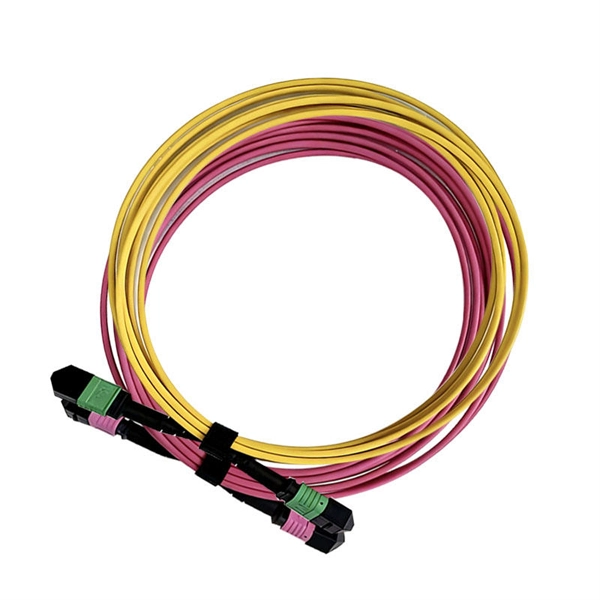
This step-by-step guide aims to provide a comprehensive understanding of the techniques and considerations involved in successfully connecting optical fibers, offering invaluable insights for professionals and enthusiasts in the field. In high-speed data networks, the seamless integration of fiber optic cables with SFP (Small Form-Factor Pluggable) modules is critical for reliable signal transmission. SFP transceivers bridge electrical and optical signals, making them indispensable in data centers, telecom networks, and. Proper connection of fiber optic cables is essential to harness these benefits fully, as even minor errors can lead to significant performance issues like signal loss. This article will guide you through the necessary tools, materials, and methods on how to connect fiber optic cables effectively. This section describes how to install optical transceivers on the SFP or SFP+ ports and connect them to the ports of the peer device using optical fibers according to the network plan. The USG supports both 1 Gbit/s, 10 Gbit/s, and 40 Gbit/s optical modules. The optical modules at both ends are. There are many types of fiber optic connectors, including SC, LC, FC, ST, D4, MU, MT/MPO, etc. These connectors can be divided into single-mode and multi-mode fiber optic connectors according to their structure and purpose. In this tutorial.
[PDF]
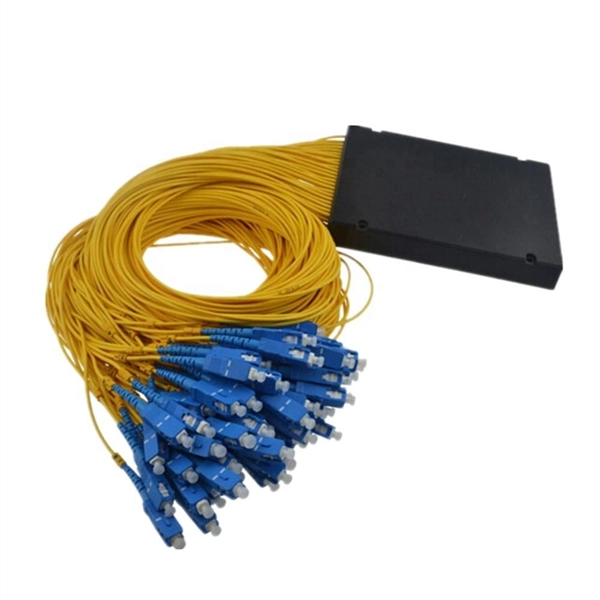
A PLC Splitter takes one optical signal and splits it into many outputs. This helps share signals in fiber optic networks. Pick the split ratio that matches what you need. Lower ratios work for fewer users. Choose the connector type like SC, LC, or FC. This. The optical splitter is an important passive device in the optical fiber link. It generally has one or two input ends and many outputs end for laser signal distribution. This article will explain the. Planar Lightwave Circuit (PLC) splitters play a vital role in modern fiber optic communication networks by enabling the efficient distribution of high-speed optical signals. It is one of the core components in Passive Optical Networks (PON) and is widely used in FTTx deployments, where a single fiber connection. This video provides a step-by-step guide on how to efficiently install optical splitter into a fiber terminal box, demonstrating a professional and reliable deployment for optical distribution network solution ( https://www. com/c/optical-distribu. more This video provides a step-by-step.
[PDF]